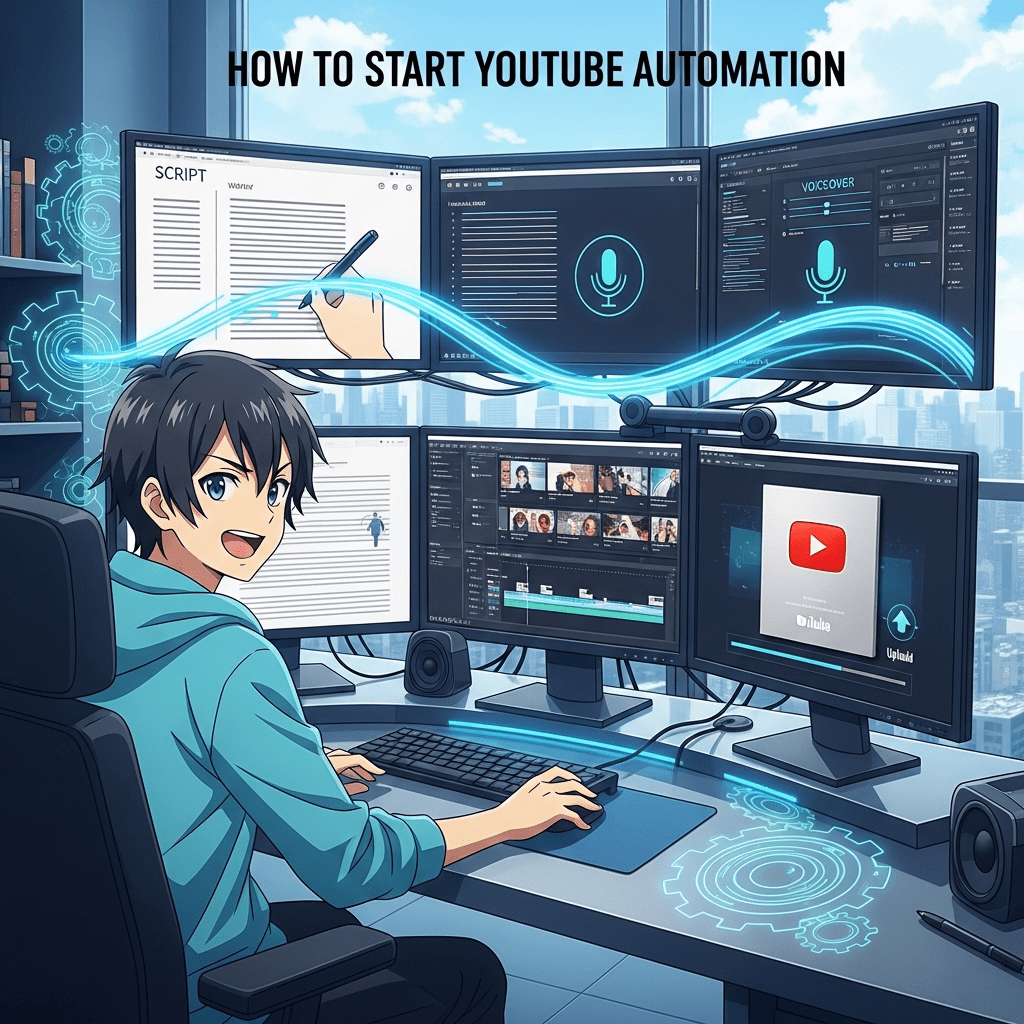
How to Start YouTube Automation
Learn how to start YouTube automation in 2025 with this full step-by-step guide. Discover tools, team roles, and Rank Math SEO tips to grow your faceless YouTube channel fast.
How to Start YouTube Automation (Full Guide)
YouTube automation is one of the most powerful ways to earn money online without constantly being on camera. It allows you to run a full YouTube channel like a business—where each task is handled smartly using tools, systems, and a small team. Let’s break down everything step by step — from understanding YouTube automation to using Rank Math to rank your videos faster.
How to Create a YouTube Channel in 2025—Step-by-Step Beginner’s Guide
You can research trending keywords using Google Trends
and optimize your videos using Rank Math.”
🎬 What Is YouTube Automation?

How to Start YouTube Automation
YouTube automation means creating and managing a YouTube channel without showing your face or personally handling every task. You build a team or use AI tools to handle scripting, voiceovers, video editing, and publishing.
The goal is to make consistent, high-quality content that grows views and subscribers automatically — while you focus on strategy, SEO, and monetization.
💡 Why Start a YouTube Automation Channel?
- No need to appear on camera – Perfect for shy or private creators.
- Scalable income – Once the system works, you can run multiple channels.
- Time freedom – Automate tasks using AI tools and freelancers.
- Passive income – Old videos keep earning from ads and affiliate links.
- Global reach – Your content can reach millions across the world.
⚙️ Step-by-Step Process to Start YouTube Automation
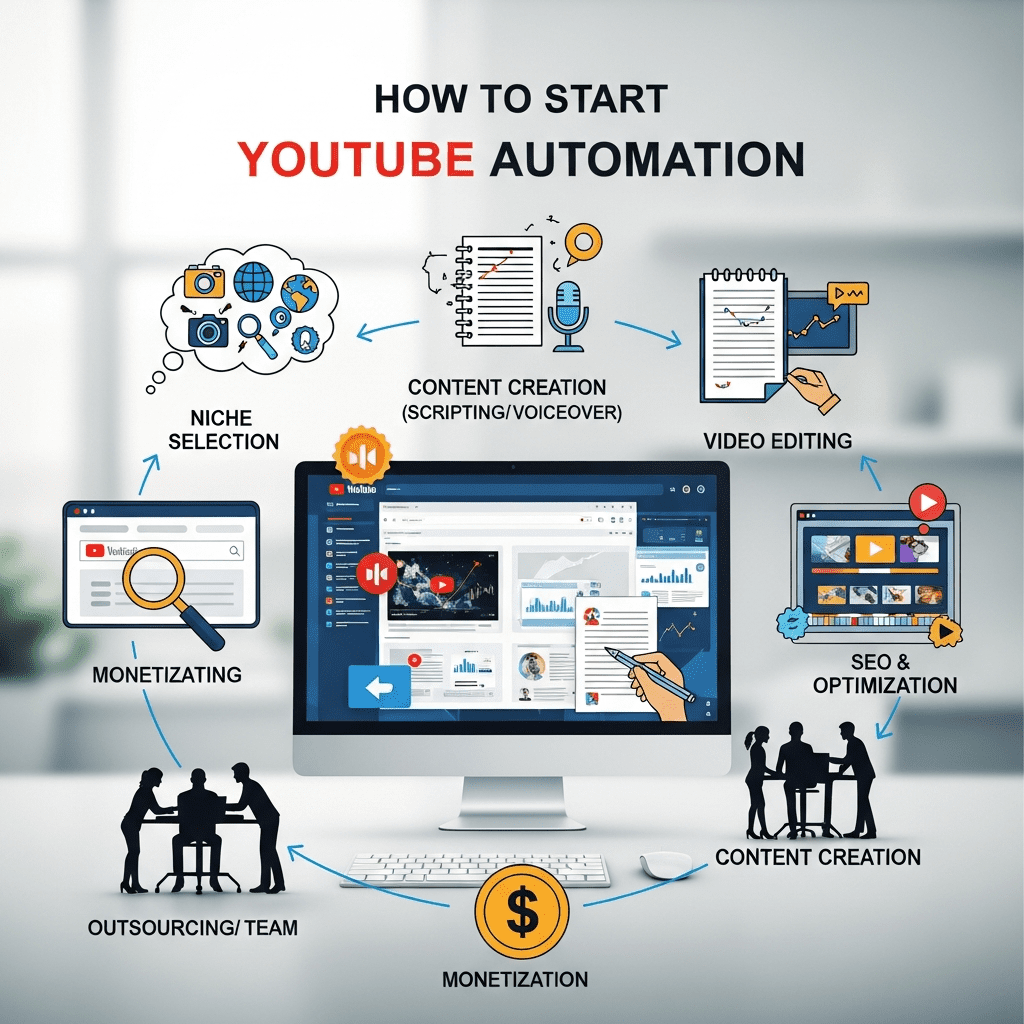
Start YouTube Automation
Let’s break the full process into 8 clear steps.
Step 1: Choose a Profitable Niche
Your niche determines your success. You need a topic that people search for and advertisers pay high rates on.
Examples of profitable niches:
- Tech news & gadgets
- Finance & investing
- Motivation & success stories
- Health & fitness tips
- Trending facts & AI tools
- Luxury lifestyle
👉 Tip: Use tools like Google Trends, vidIQ, or TubeBuddy to check what’s trending.
Step 2: Research and Scriptwriting
Once you pick your niche, the next step is research and writing.
Here’s how:
- Find 3–5 trending videos on the same topic.
- Analyze their titles, keywords, and structure.
- Write your own unique script using that format.
You can use ChatGPT to generate ideas or rough drafts, then rewrite them in a natural human tone.
Always include:
- Hook (first 10 seconds to grab attention)
- Body (facts, story, or solution)
- CTA (ask viewers to like, comment, subscribe)
Step 3: Voiceover & Narration
You can record your own voice or use AI voice tools like:
- ElevenLabs
- Murf.ai
- Lovo.ai
Choose a voice that matches your niche. For example, deep calm voices for finance, energetic for tech or entertainment.
Step 4: Video Editing & Animation
This is where your script and voiceover come alive.
Popular tools:
- Pictory.ai (AI video maker)
- CapCut (free and easy for YouTube Shorts)
- Adobe Premiere Pro / After Effects (for professionals)
- Canva Video Editor (simple automation for beginners)
You can also hire editors from Fiverr or Upwork for $5–20 per video.
Add:
- B-rolls (background clips)
- Subtitles (for engagement)
- Music (copyright-free)
- Transitions and sound effects
Step 5: Thumbnail Creation
Thumbnails are the first impression. A bad one = no clicks.
Use these tools:
- Canva
- Adobe Photoshop
- Thumbnail Blaster
Tips:
- Use bold text and bright colors (red, yellow, white)
- Focus on emotions or expressions
- Keep text under 5 words
- Follow your niche style for consistency
6: Uploading & Optimization
Step 6: Uploading & Optimization (Using Rank Math)
Now comes the most important step: optimizing your video for search and ranking using Rank Math SEO.
Rank Math is a free WordPress plugin, but its keyword and SEO principles apply to YouTube descriptions, titles, and tags too.
Here’s how to optimize:
✅ Title Optimization
- Use main keyword in the title naturally.
- Keep it under 60 characters.
- Example:
- ❌ “AI Tools for 2025”
- ✅ “Top 10 Free AI Tools for YouTube Automation in 2025”
✅ Description Optimization
Write a 150–200-word human-style description:
- Include your main keyword 2–3 times naturally.
- Add a short summary, call to action, and hashtags.
Example:
Discover the best AI tools for YouTube automation in 2025! Learn how to make videos faster, grow your channel, and earn passive income with simple tools.
#YouTubeAutomation #AITools #MakeMoneyOnline
✅ Tags Optimization
Use relevant tags (separated by commas):youtube automation, ai tools for youtube, make money online, faceless youtube channel, trending ai 2025
✅ Hashtags in Description
Add 2–3 trending hashtags at the end of your description:
#YouTubeGrowth #AutomationChannel #AITrends
✅ Thumbnail Filename
Rename your thumbnail before uploading:
Example: youtube-automation-guide-2025.jpg
✅ Subtitles & Captions
Always upload captions or use auto-generated subtitles. They help YouTube understand your content.
Step 7: Monetization and Scaling
After 1000 subscribers and 4000 watch hours, you can apply for the YouTube Partner Program.
Other ways to make money:
- Affiliate marketing – Add product links in the description.
- Sponsored videos – Brands pay for promotion.
- Digital products – Sell eBooks, courses, or templates.
- Multiple channels – Once one channel grows, repeat the process.
Step 8: Build Your Automation Team
To run a real automated channel, you’ll eventually need a small team:
| Role | Task | Tools / Platforms |
|---|---|---|
| Scriptwriter | Writes engaging scripts | ChatGPT, Notion |
| Voiceover Artist | Records narration | ElevenLabs, Fiverr |
| Video Editor | Edits videos | Pictory, CapCut, Adobe |
| Thumbnail Designer | Creates eye-catching thumbnails | Canva, Photoshop |
| SEO Manager | Optimizes video titles, tags, keywords | Rank Math, TubeBuddy |
| Channel Manager | Uploads, schedules, and manages analytics | YouTube Studio |
You can hire freelancers from:
- Fiverr
- Upwork
- OnlineJobs.ph
- Freelancer.com
🔍 How Rank Math Helps You in YouTube Automation
Even though Rank Math is mainly a WordPress SEO plugin, its principles directly help YouTubers:
- Keyword targeting – Helps you choose high-search keywords for video titles.
- SEO score analysis – Ensures your content is fully optimized.
- Meta description templates – Teaches how to write better video descriptions.
- Tag suggestions – Helps you find related topics and tags.
- Performance tracking – You can track your keyword rankings over time.
Using Rank Math’s approach, apply the same to your YouTube SEO strategy — because both Google and YouTube use similar ranking algorithms.
💰 Bonus: Free Tools for YouTube Automation Beginners
| Purpose | Tool Name | Free Version |
|---|---|---|
| Keyword Research | vidIQ, TubeBuddy | ✅ |
| Video Editing | CapCut, Pictory.ai | ✅ |
| Thumbnails | Canva | ✅ |
| Scriptwriting | ChatGPT | ✅ |
| Voiceover | ElevenLabs (trial), Lovo.ai | ✅ |
| Analytics | YouTube Studio | ✅ |
| SEO Inspiration | Rank Math (for site) | ✅ |
🌟 Final Tips for Success
- Post consistently (2–3 videos per week minimum).
- Follow trends — Check trending topics daily on Google Trends or Twitter (X).
- Use analytics — Learn what works, and repeat it.
- Engage with comments — It boosts ranking.
- Don’t copy, recreate — Use inspiration, not duplication.
- Think long-term — It takes 3–6 months to grow a channel.
🎯 Conclusion
Starting YouTube automation in 2025 is easier than ever. With AI tools, Rank Math-style SEO principles, and a small team, you can build a profitable faceless channel that earns money even while you sleep.
Focus on content, consistency, and optimization, and let automation handle the rest.
About The Author





1 thought on “How to Start YouTube Automation in 2025 | Step-by-Step Guide + Rank Math Tips”