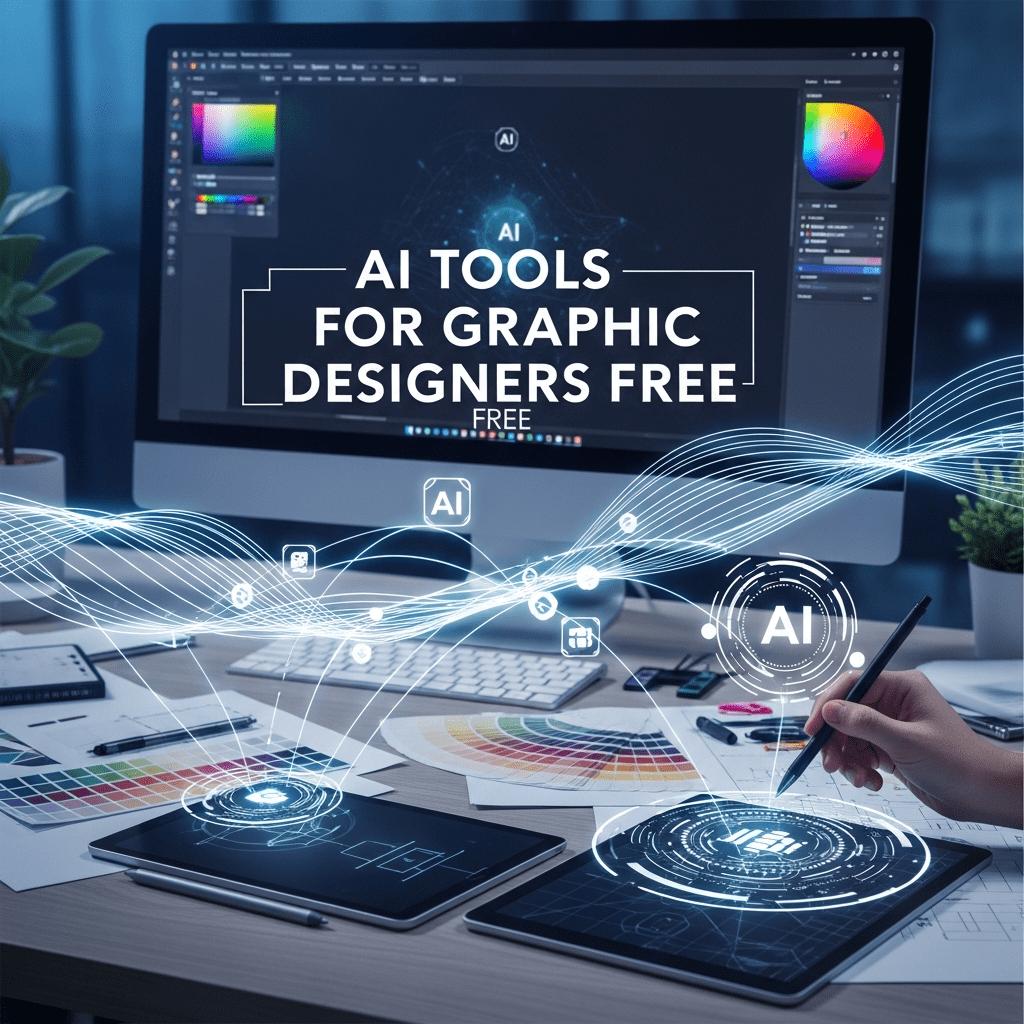
AI tools for graphic designers free to create logos, banners, and professional designs. Explore the best free AI tools every designer should use in 2025.
✅ AI Tools for Graphic Designers Free (2025 Guide)
AI Tools for Graphic Designers Free
If you’re a designer trying to level up your creativity without spending money, you’re in the right place. Free AI tools have changed the entire design game. Now you can create logos, banners, social media posts, animations, and even full brand kits with simple prompts. The best part is these tools are built for both beginners and pro designers.
In this guide, I’ll walk you through the top free AI tools for graphic designers, how they work, and why they’re worth using in 2025.
✅ Why Free AI Tools Matter for Designers
Graphic designing used to require heavy software, strong skills, and powerful PCs. But AI flipped the script.
Now you get:
• Faster workflows
• Ready-made templates
• Auto-editing features
• One-click background removals
• Instant logo creation
• Style, color, and layout suggestions
These tools save hours of work and boost creativity without costing a single rupee (or dollar).
✅ 10 Best Free AI Tools for Graphic Designers (2025)
1. Canva AI (Magic Studio) – Best overall
Canva’s Magic features let you remove backgrounds, expand images, auto-design layouts, and create art from prompts.
Perfect for social media designers.
Free Features:
• AI Magic Eraser
• AI Resize
• 100+ templates
• AI image generator
2. Adobe Firefly Free Plan
Firefly is built into Photoshop and Express.
It gives stunning realistic AI images.
Free Tools:
• Generative Fill
• Text effects
• Template-based designs
3. Fotor AI
A complete free toolkit for logo creation, avatar design, and photo enhancement.
Best For:
Logo making + product photos.
4. Pixlr AI
A web-based editor with strong automatic editing.
Free Features:
• Auto background remover
• Filters
• AI art
5. Photopea
Photoshop-style editor fully free.
Best Part:
Opens PSD, PDF, XD, Sketch, Figma files.
6. VistaCreate AI
Similar to Canva but more business-focused.
Free tools:
• AI background removal
• Social media templates
7. Kittl AI
Great for T-shirt design, posters, badges, and retro designs.
Free Features:
• AI text effects
• Vector-based design tools
8. Microsoft Designer (Free)
This is a new rising star.
You write a prompt and it creates the full design layout automatically.
Uses:
• Instagram posts
• Ads
• Business flyers
9. Remove.bg
Your go-to tool for background removal.
Ultra fast. Ultra clean results.
10. Designify AI
Amazing for eCommerce sellers.
Enhances product photos using AI.
✅ Benefits of Using Free AI Tools
• Saves time
• No expensive subscriptions
• Boosts creativity
• Helps beginners design professionally
• Perfect for freelancers and YouTubers
✅ Internal Linking Suggestions
(You can link these pages from this article)
✔ https://trendingnews.fun/best-ai-tools-in-2026/
✔ https://trendingnews.fun/best-video-editor-in-2026/
1. Canva AI
Add link: https://www.canva.com/magic-studio/
2. Adobe Firefly
Add link: https://firefly.adobe.com/
✅ FAQs (SEO Optimized)
Q1: What are the best free AI tools for graphic designers?
Canva, Adobe Firefly, Pixlr, Fotor, and Microsoft Designer are the top free AI tools right now.
Q2: Can beginners use AI tools for designing?
Yes. These tools are beginner-friendly with ready-made templates.
Q3: Are AI-generated designs safe for commercial use?
Most tools allow commercial use, but always check each tool’s license.
Q4: Can AI fully replace graphic designers?
No. AI assists, but creativity, branding, and human decisions still matter.
Q5: Which free tool is best for logo design?
Fotor AI and Kittl AI are the most accurate for logo creation.
About The Author